UNLOCK YOUR
FULL POTENTIAL
Professional PC optimization and tuning services For Maximum performance, stability, and FPS gains.
OUR SERVICES
Professional PC optimization and tuning Services
Win-Tuning
Optimize Windows for maximum performance.
- ✓Remove bloatware and unnecessary services
- ✓Import my custom power plan & disabling unnecessary powersavings in the OS
- ✓Clean GPU drivers installation (NVIDIA/AMD) and apply tweaks
- ✓Includes BIOS tuning
BIOS-Tuning
Deep BIOS configuration for stability and higher FPS.
- ✓Focus on performance while maintaining full stability
- ✓Perfect for gamers seeking smoother 1% and 0.1% lows
- ✓Include Hidden, Visible Bios Settings.
CPU Overclock
Manual CPU Overclocking for higher performance.
- ✓Adjust frequency, voltage (PBO for AMD), and boost limits
- ✓Optimize LLC, C-States, and power behavior
- ✓Monitoring temperatures for long-term use.
GPU Overclock
Manual GPU Overclocking for higher performance.
- ✓Core & memory OC + optional undervolt
- ✓Custom fan curve tuning
- ✓Clean GPU drivers installation (NVIDIA/AMD) and apply tweaks
- ✓Good for FPS and stability
- ✓Maximize graphics performance
After purchasing, please screenshot your PayPal receipt and open a ticket in our Discord server to get started!
OPEN DISCORD TICKETWHAT OUR CUSTOMERS SAY
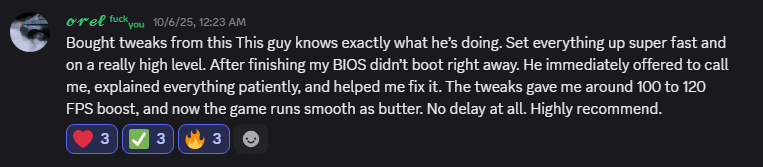
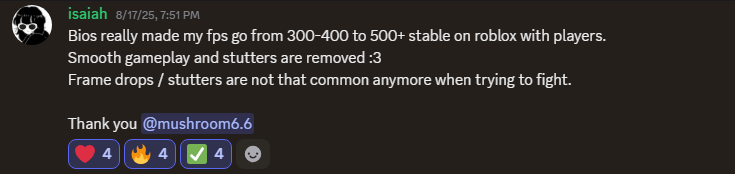
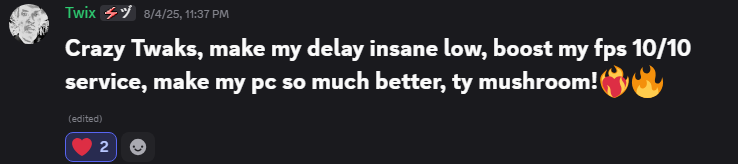
Real feedback from satisfied customers








How to Maintain High Performance After the Service
ABOUT MUSHROOM TWEAKS
Welcome to Mushroom Tweaks — your trusted partner for professional PC optimization and performance tuning.
We specialize in unlocking the full potential of your gaming rig through expert Windows optimization, BIOS configuration, and safe overclocking.
Whether you're a competitive gamer seeking every frame advantage or an enthusiast wanting smoother gameplay, our services deliver measurable results.
All services are performed remotely via secure remote-access, with same-day delivery and a 100% satisfaction guarantee.
FREQUENTLY ASKED QUESTIONS
Got questions? We've got answers.
READY TO BOOST YOUR PC?
Join our Discord community and get started with professional PC optimization today!
JOIN OUR DISCORD NOW